Private surgical-drain tracking

Your drain log,
without the paperwork.

Record each surgical drain, see automatic daily totals, and prepare a clear report for your care team.

Free tracking. Staff-approved reports.No account or payment card required.Your readings stay on your device.

Drain Log records information; it does not provide medical advice or decide when a drain should be removed.

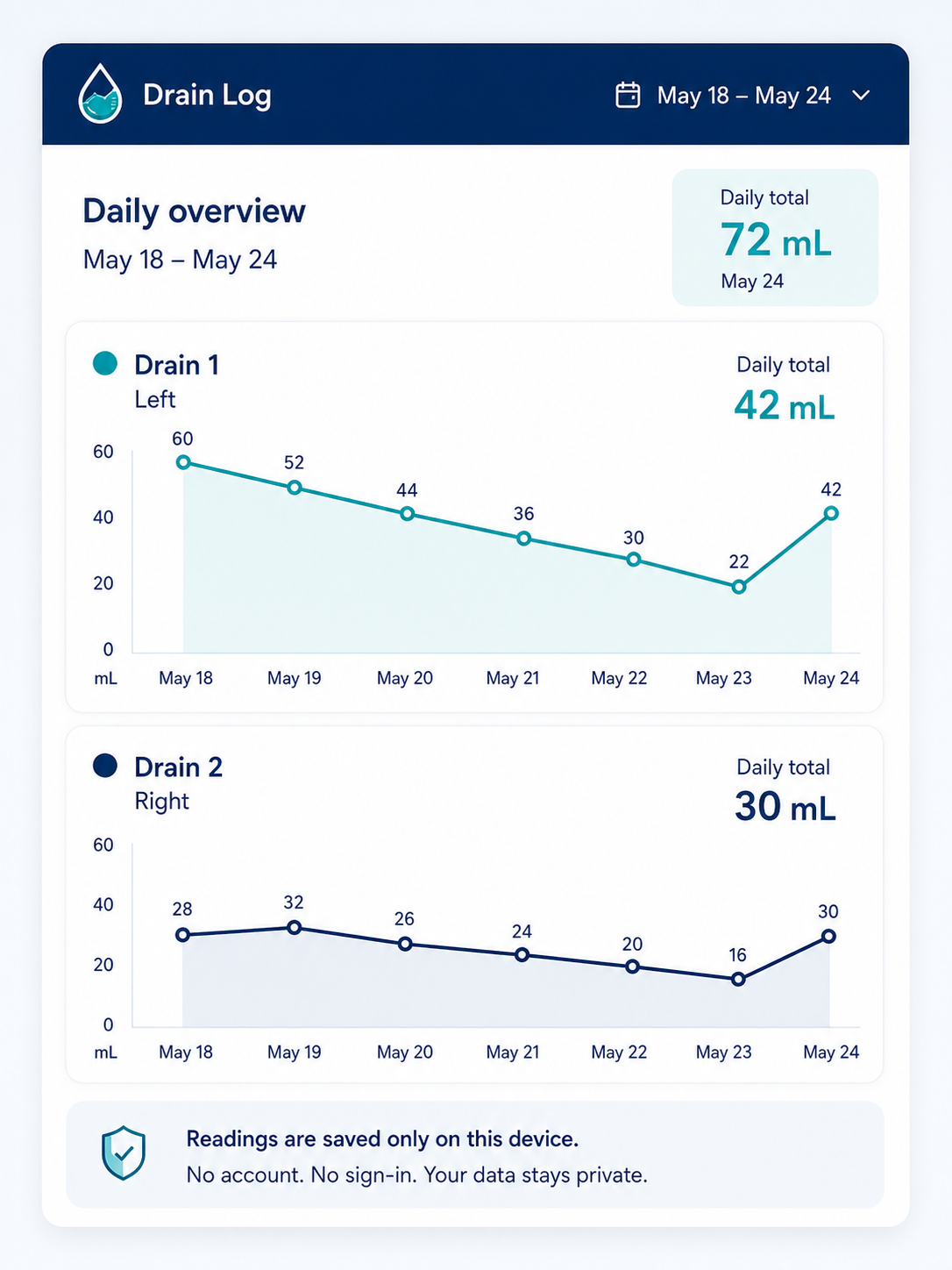
Example Drain Log daily overview with separate fictional seven-day totals for Drain 1 and Drain 2
Example data shown. Your actual readings remain on your device.

A calmer daily routine

From measurement to care-team report

  1. 1

    Record each drain

    Enter the amount for every configured drain in one quick flow.

  2. 2

    See daily totals

    Open History for readings and daily totals, newest first. Select Edit to correct a reading.

  3. 3

    Share a clear report

    After staff approval, select Create report, review the preview, then choose Email to staff to send a PDF.

Private by design

You choose when to share your readings.

Readings are saved in your browser. Report previews, PDFs, and JSON backups are created on your device. Choosing Email to staff sends your selected PDF through our email service to your approving staff member. No payment card is required.

Read the privacy details

Why it exists

Created after a family's breast-cancer surgery experience.

Paper worksheets made an already stressful recovery harder. Drain Log was created to make recording measurements, following daily totals, and preparing for appointments simpler.

Read the full story in Drain Log

Free to use

Prepare and protect your complete drain record.

Free trackingreports require staff approval

Recording and JSON backup/restore are free. Your clinic supplies a patient approval link; open it, select Not yet submitted in the app header, then Submit approval request. Staff approval unlocks report previews and emailing PDFs to the approving staff member for 28 days. No patient account or payment card required and no automatic charge.

Leave the calculator out of recovery.

Start a private drain log on this device—no account needed.

Open Drain Log